

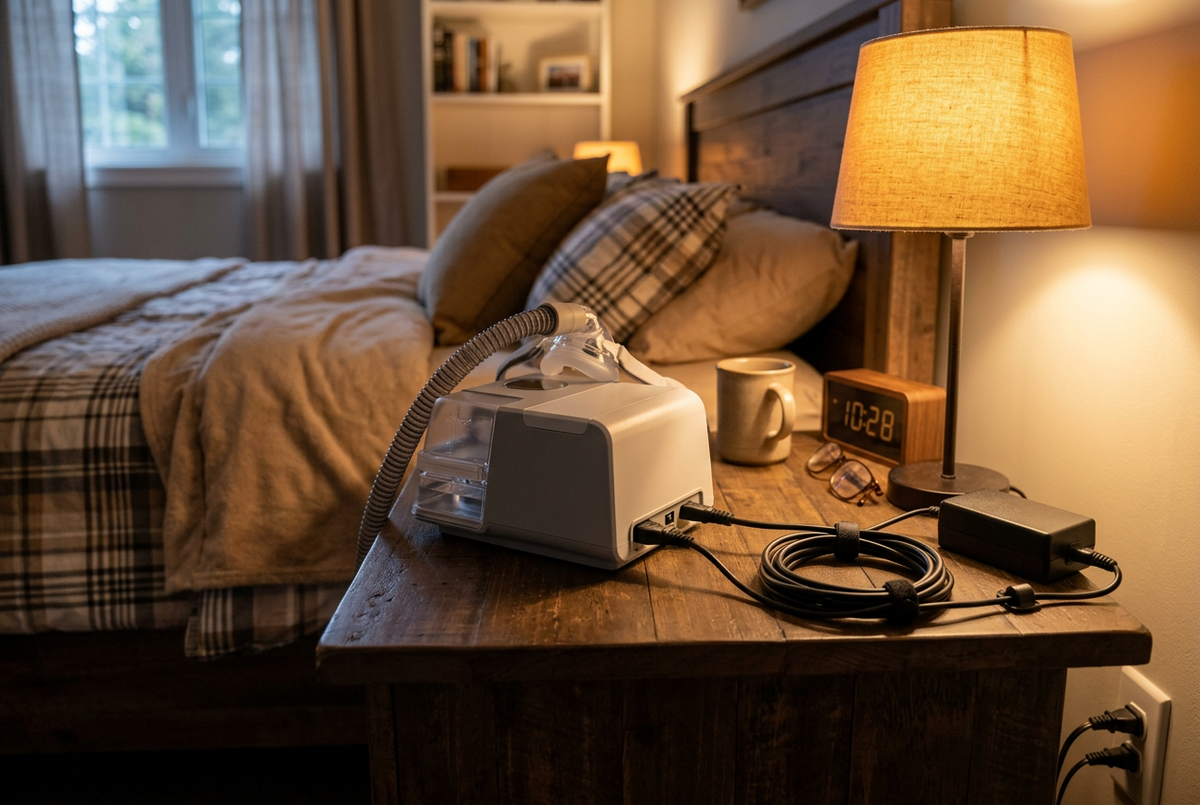
People usually start looking at CPAP power in one of two situations: the original adapter has gone missing or failed, or a trip is coming up where a wall outlet may not be available. Both lead to the same set of choices. Sorting them by the type of power involved makes it much easier to see which part your machine needs.
Four ways a CPAP machine gets power
These terms are easy to mix up, so it helps to separate them.
- An AC power supply, or AC adapter, is the brick and cord that came with your machine. It plugs into a household outlet.
- A DC/DC converter connects the machine to a direct current source such as a vehicle or boat battery. ResMed makes specific converters for specific machines.
- A battery is a portable power source. Depending on the product, it may need its own cable, a converter, or the machine's AC adapter to connect.
- An inverter converts DC from a battery into AC so that a regular AC adapter can plug into it.
Which of these works with your machine is set by the machine's manufacturer and the accessory's manufacturer. A plug that physically fits, or a label with numbers that look close, does not confirm compatibility.
Replacing an AC power supply
The AirSense 11 user guide asks you to use only ResMed parts with the machine, and names power supplies as one example. It warns that non-ResMed parts may reduce the effectiveness of treatment, may result in excess carbon dioxide rebreathing, and may damage the machine. For a replacement adapter, that means buying the one ResMed approves for your model.
ResMed's AirSense 10 and AirSense 11 use different approved supplies, and they are sold as separate products:
- The ResMed AirSense 10 90W Power Supply is listed for compatible AirSense 10, AirCurve 10 and AirStart 10 devices.
- The ResMed AirSense 11 65W Power Supply is listed for compatible AirSense 11 devices, and the AirSense 11 user guide names a 65W AC adaptor as part of the system.
Choose by machine model. The device label on your machine confirms the model, and the label on your old adapter, if you still have it, is a useful cross-check. If you have both an AirSense 10 and an AirSense 11 in the house, keep each adapter with its own machine so they do not get swapped. The Americas user guide lists a design life of five years for the AirSense 11 device and its power supply unit.
Travelling with your AC adapter
The AirSense 11 user guide asks you to make sure you have the appropriate power cord for the region you are travelling to, and to contact your care provider about purchasing one. ResMed also states that the AirSense 11 meets FAA requirements for use on a plane, and that air travel compliance letters can be downloaded from resmed.com.
Looking after the adapter
The same guide includes several handling points for the power supply. Keep it where it will not be bumped or stepped on, and where nobody is likely to trip on the cord. Keep bedding and clothing from covering it. Do not immerse it in water, and do not plug the AC adapter into a USB device. Inspect the cord, cables and supply regularly, and stop using and replace any part that is damaged or worn.
DC options from ResMed
ResMed lists its current batteries and converters on its battery and power converter page. At the time of writing, the page shows:
- the Air10 DC/DC converter, for AirSense 10 and AirCurve 10 devices, which ResMed describes for use with a source such as a car or boat battery
- the ResMed Power Station II battery, also for AirSense 10 and AirCurve 10 devices
- the AirMini DC/DC converter, for the AirMini travel machine
For the AirSense 11, the user guide lists an Air11 DC/DC converter among the accessories available through your care provider. Product pages change, so confirm the current accessory for your machine on ResMed's AirSense 11 page and the support documents before ordering.
A converter is a specific accessory matched to a machine. A generic DC cable with a plug that happens to fit is not the same thing. Keep the converter's own instructions with it when you travel, since connection steps differ between accessories.
Third-party batteries
PAPSmart carries the Zopec Explore Mini CPAP Battery for people who want portable power. Before buying any third-party battery, check the battery maker's compatibility information for your exact machine model and find out what it needs to connect, such as a particular cable or converter. Do not assume a battery works with your machine because it works with a similar one.
Keep in mind that ResMed's AirSense 11 guide asks for ResMed parts with the machine. If you are weighing a non-ResMed battery against a ResMed option, raise that with your provider so you understand what the manufacturer supports for your device.
Inverters
An inverter lets you run the regular AC adapter from a battery, which can sound like the simplest route. Whether that setup is appropriate for your machine is a question for the manufacturer. Check ResMed's support documents for your model or ask your provider before relying on an inverter for overnight therapy.
Power outages at home
Some people look at batteries because of outages rather than travel. The AirSense 11 user guide notes that if power is interrupted during therapy, the device restarts therapy automatically when power returns. That covers a short blip, but a longer outage means no therapy until power comes back. If outages are common where you live, talk to your provider about a backup option listed for your machine. ResMed presents the Power Station II as an option for outages for AirSense 10 and AirCurve 10 users.
Your settings stay the same
Switching from wall power to a battery or converter does not change your prescription. Your pressure settings come from your sleep clinic and should only be changed by your care provider. If a battery or converter maker gives guidance about using humidification or heated tubing on their product, follow it, but leave your therapy pressure alone.
Signs to stop and get help
If the adapter, cord or machine gives off a burning smell, feels unusually hot, shows visible damage, or the machine starts making unusual sounds or stops working as usual, stop using it. Unplug it if you can do so safely, and contact ResMed or your care provider. The AirSense 11 user guide states that there are no user-serviceable parts inside the device and that repairs should only be done by an authorised ResMed service agent. Do not attempt to repair an adapter or cord yourself.
Choosing the right power part
- Read the device label to confirm your machine model.
- Decide what you need: a replacement AC adapter, a DC converter, a battery, or a combination.
- For an AC adapter, choose the one listed for your model.
- For DC power, find the converter or battery the manufacturer lists for your model.
- For a third-party battery, confirm compatibility and connection requirements with its maker.
- Pack the right power cord for any region you are travelling to.
Approved adapters and other machine parts are listed in CPAP supplies and accessories, and the PAPSmart team can confirm the right part if you send your machine model.


